Warp to GirafPingvin
Build your video clip by clip — Camlog stitches it all into one perfect file. Automatically.
No more camera roll clutter. Perfect for VLOGs, Shorts, TikTok, Reels and YouTube.
All clips stay in the app. Only the final result gets exported to your Photos. No more chaos.
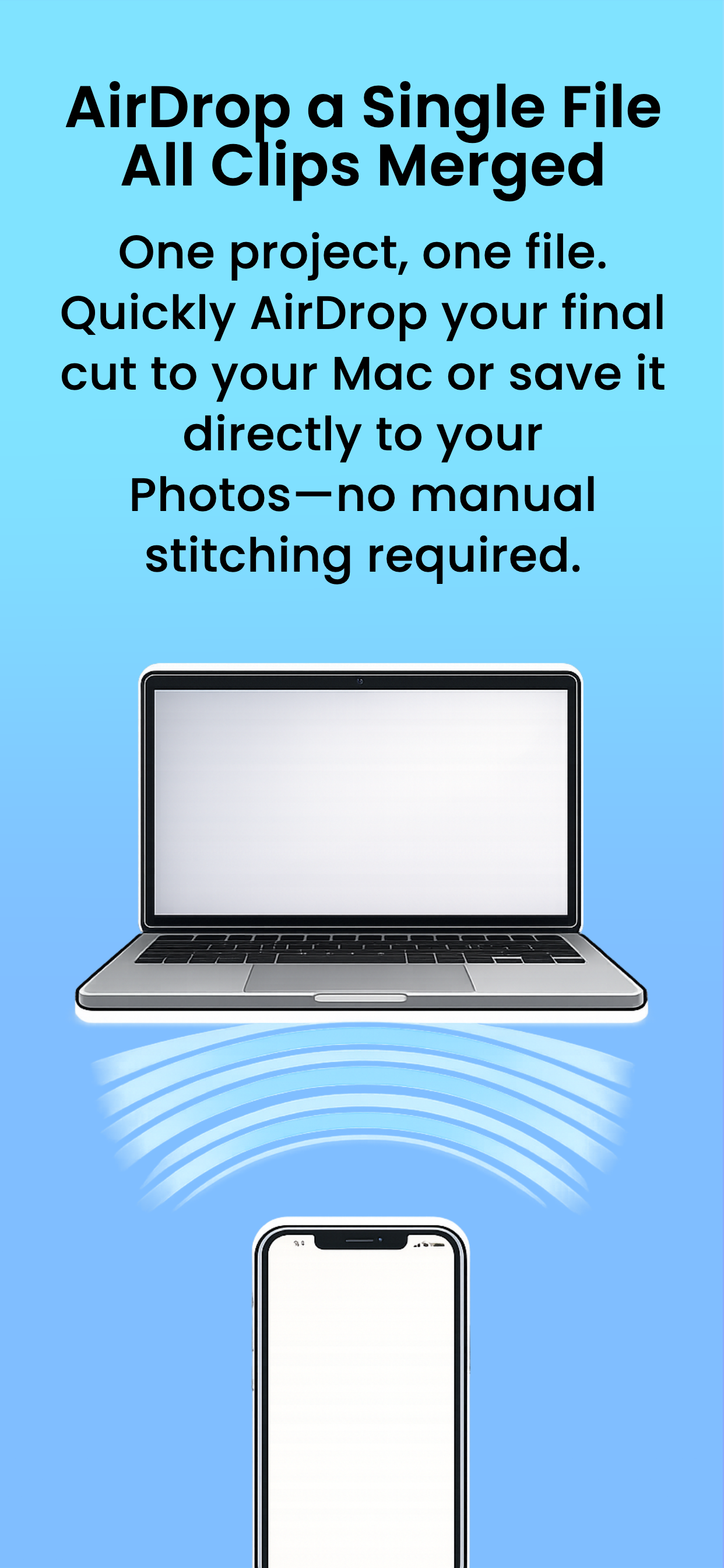
Camlog merges all your clips into one file. AirDrop it to your Mac and edit in your favourite app.
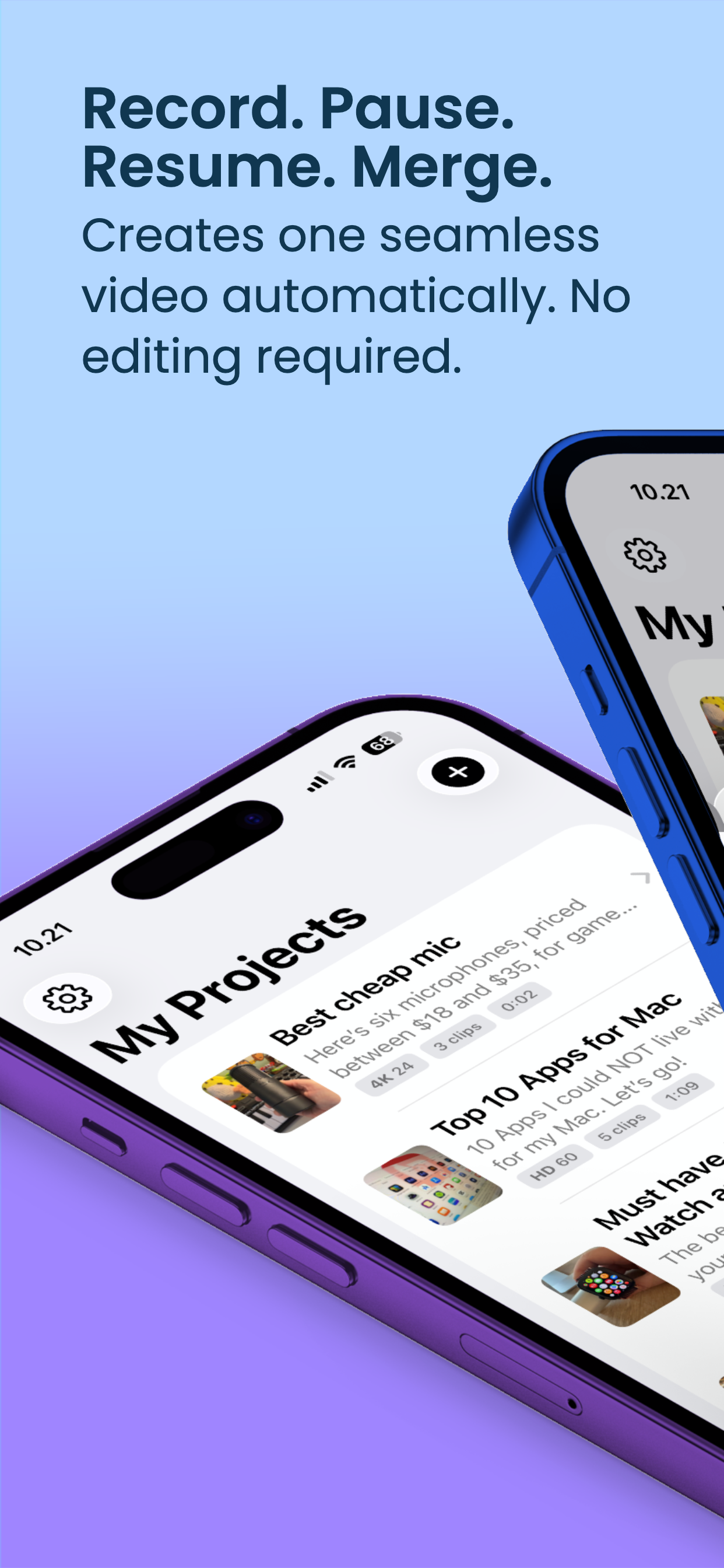
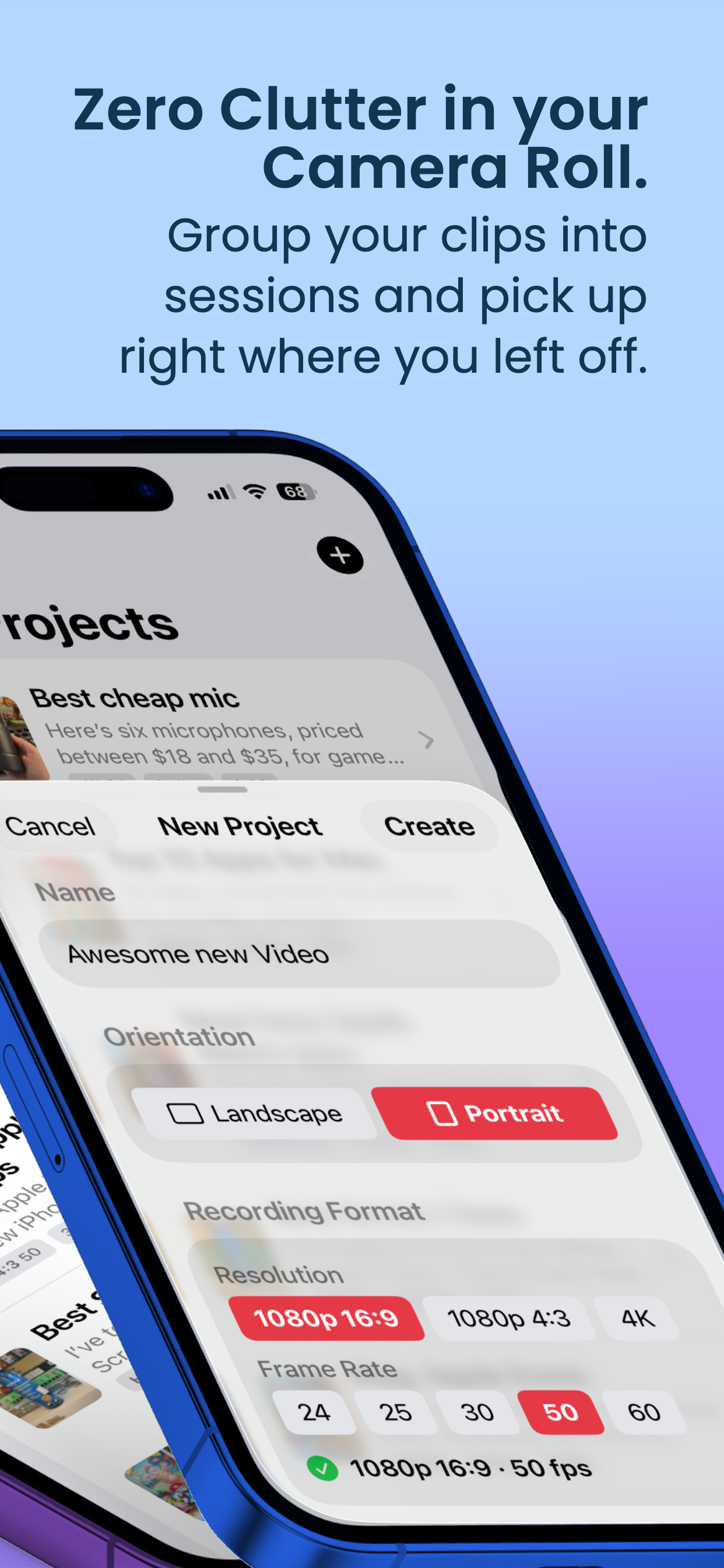
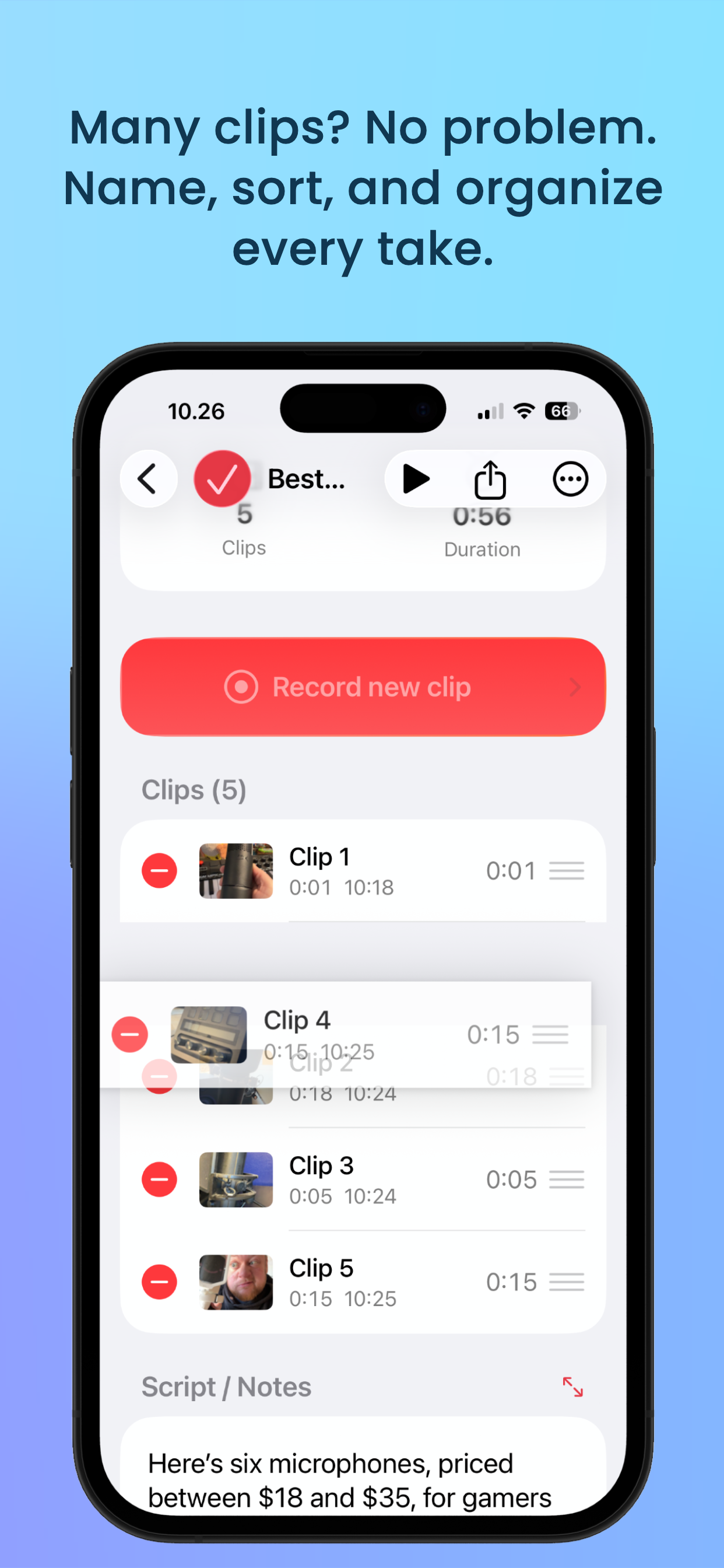
Record multiple video projects side by side. Each project keeps its own clips, named and sorted.
Camlog keeps all your clips out of the camera roll, sorted into projects. When you're done, you export one single video file — ready for AirDrop, CapCut, Final Cut Pro, Premiere, DaVinci Resolve, or direct upload. No editing required.
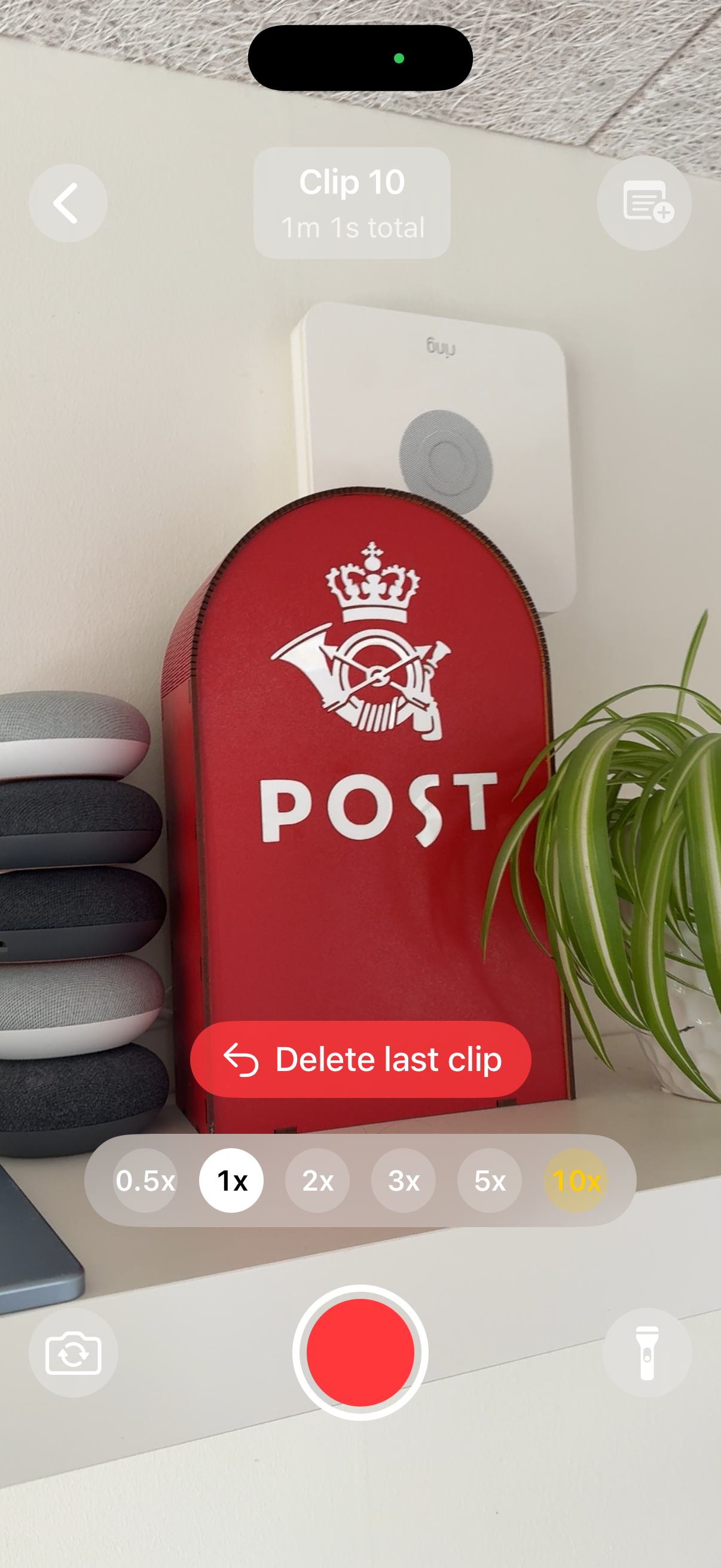
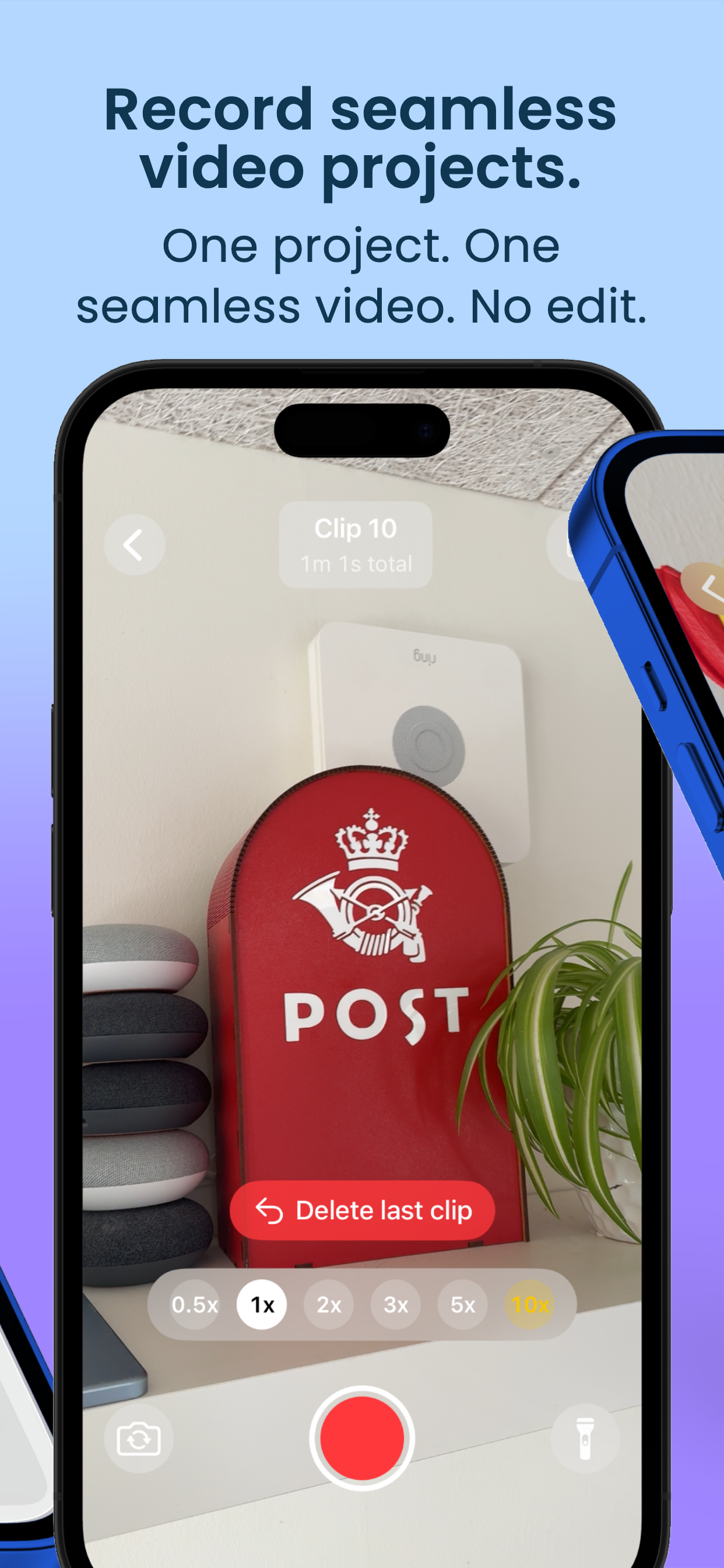
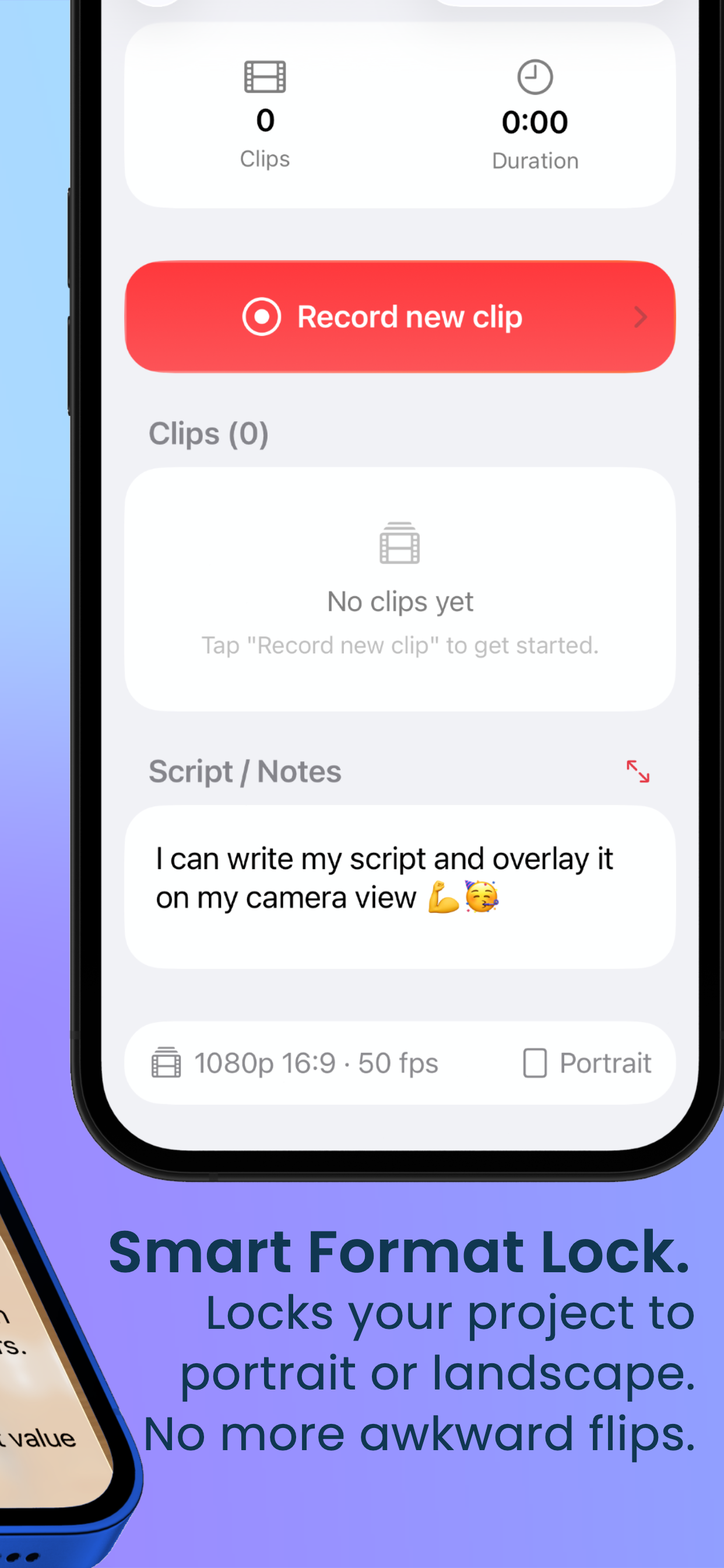
Tap the big red button. Your first clip locks the project to either portrait or landscape.
Pause for a minute, a day or a month. Come back and record the next clip whenever you're ready.
All clips merge into one file. AirDrop to your Mac, save to Photos, or share directly.
All your clips merge into one high-quality QuickTime file (.mov). No editing software needed.
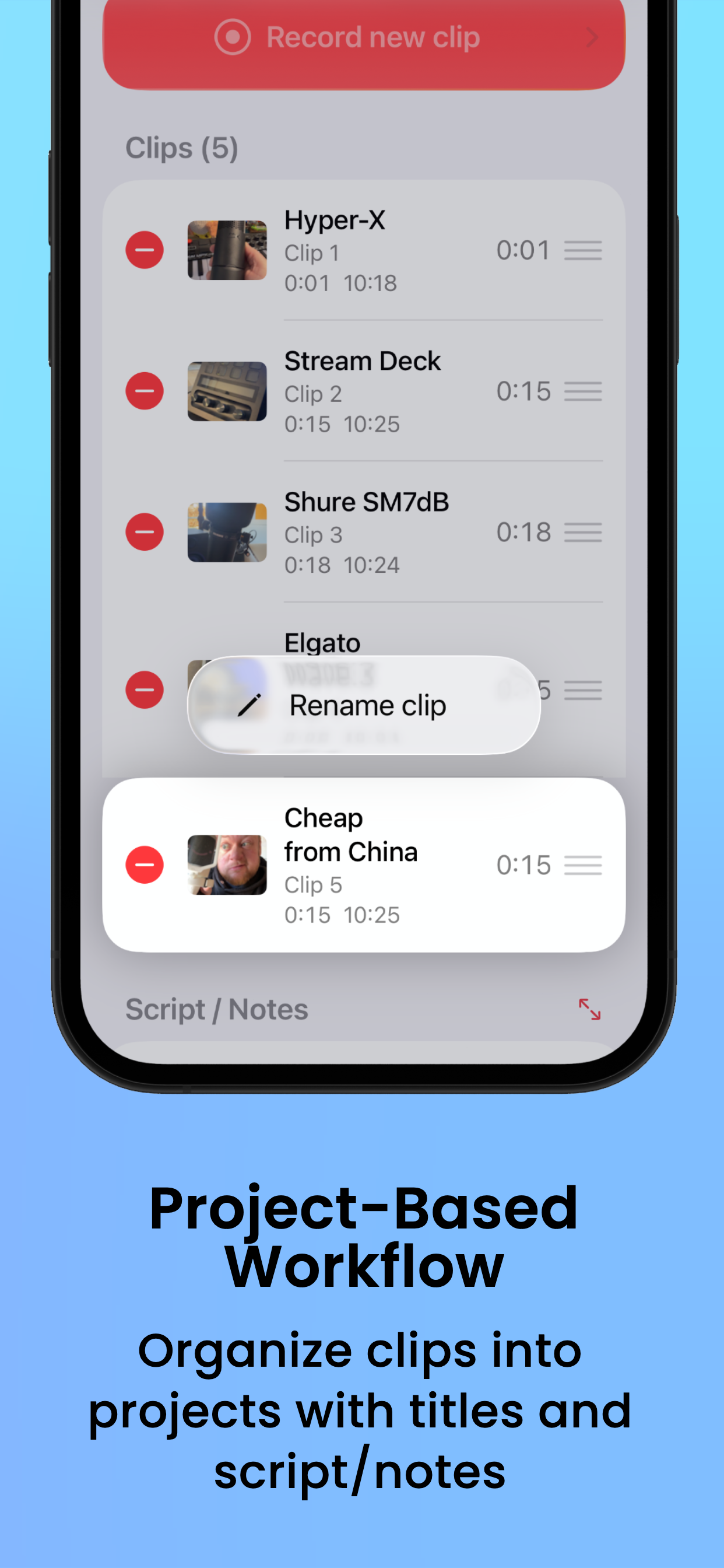
Organize everything in projects. Name, sort, reorder and keep track of every single take.
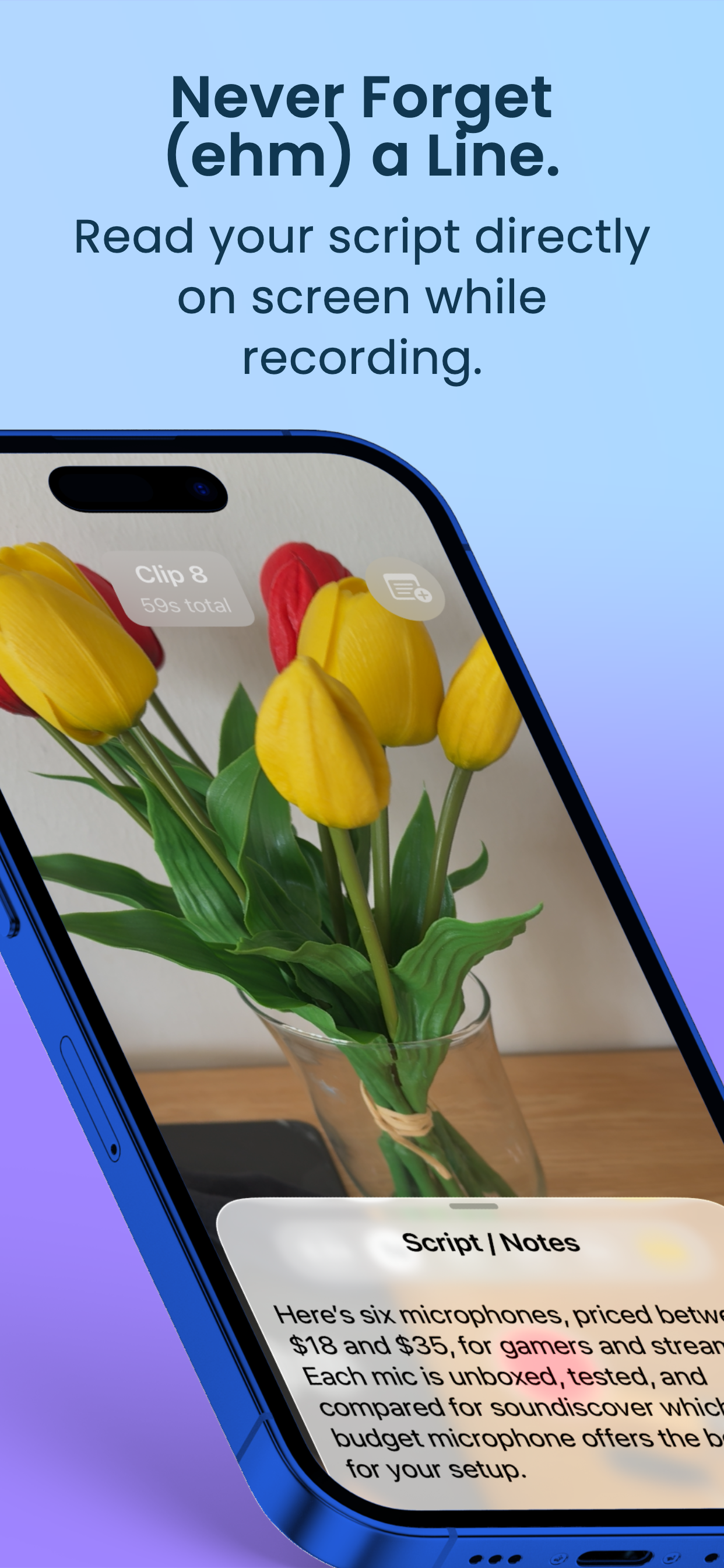
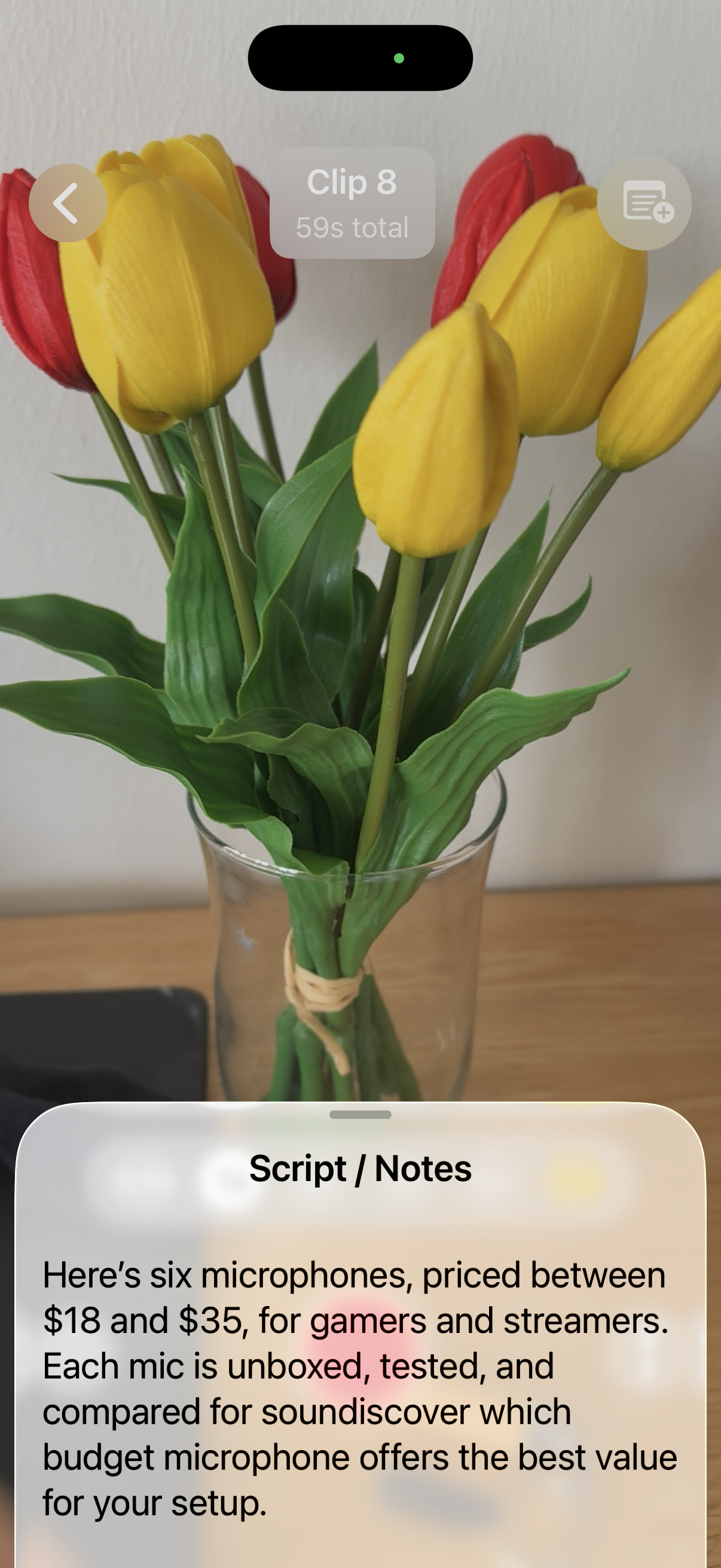
Paste your script and read it right on screen while you record. No more fumbling with cue cards.
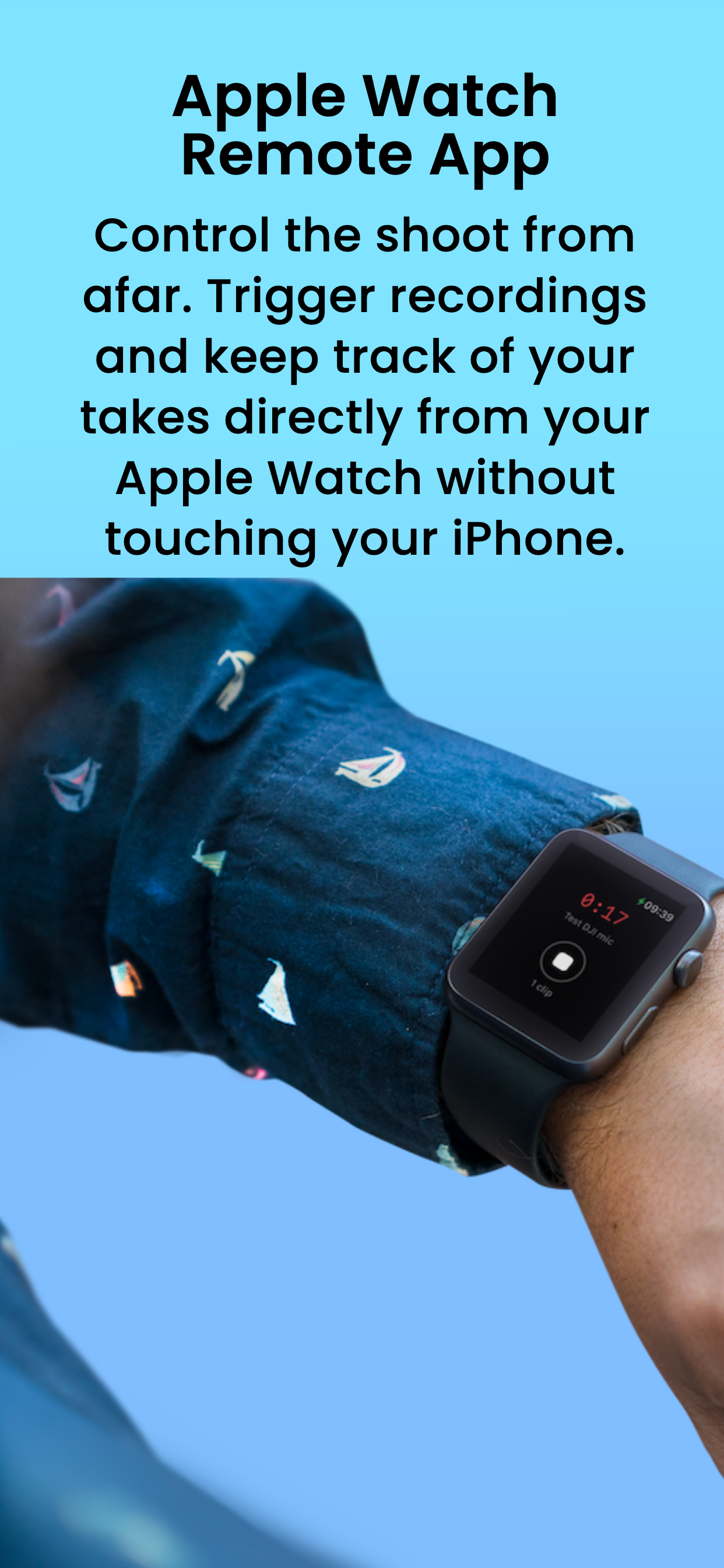
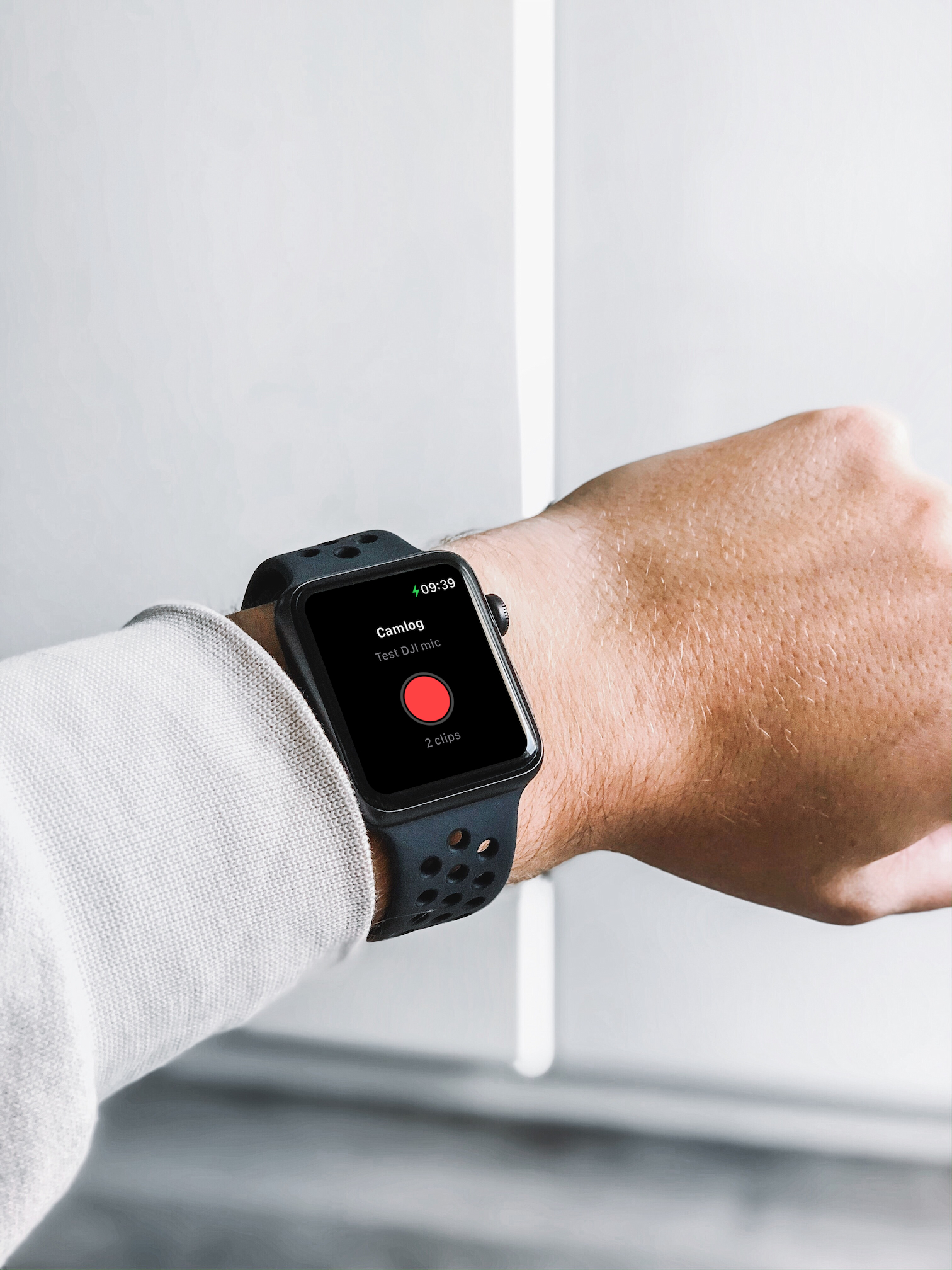
Start and stop recording from your wrist. Perfect for solo recordings and vlogs with the phone on a tripod.
Your first clip locks the project to portrait or landscape. No awkward mid-video orientation flips.
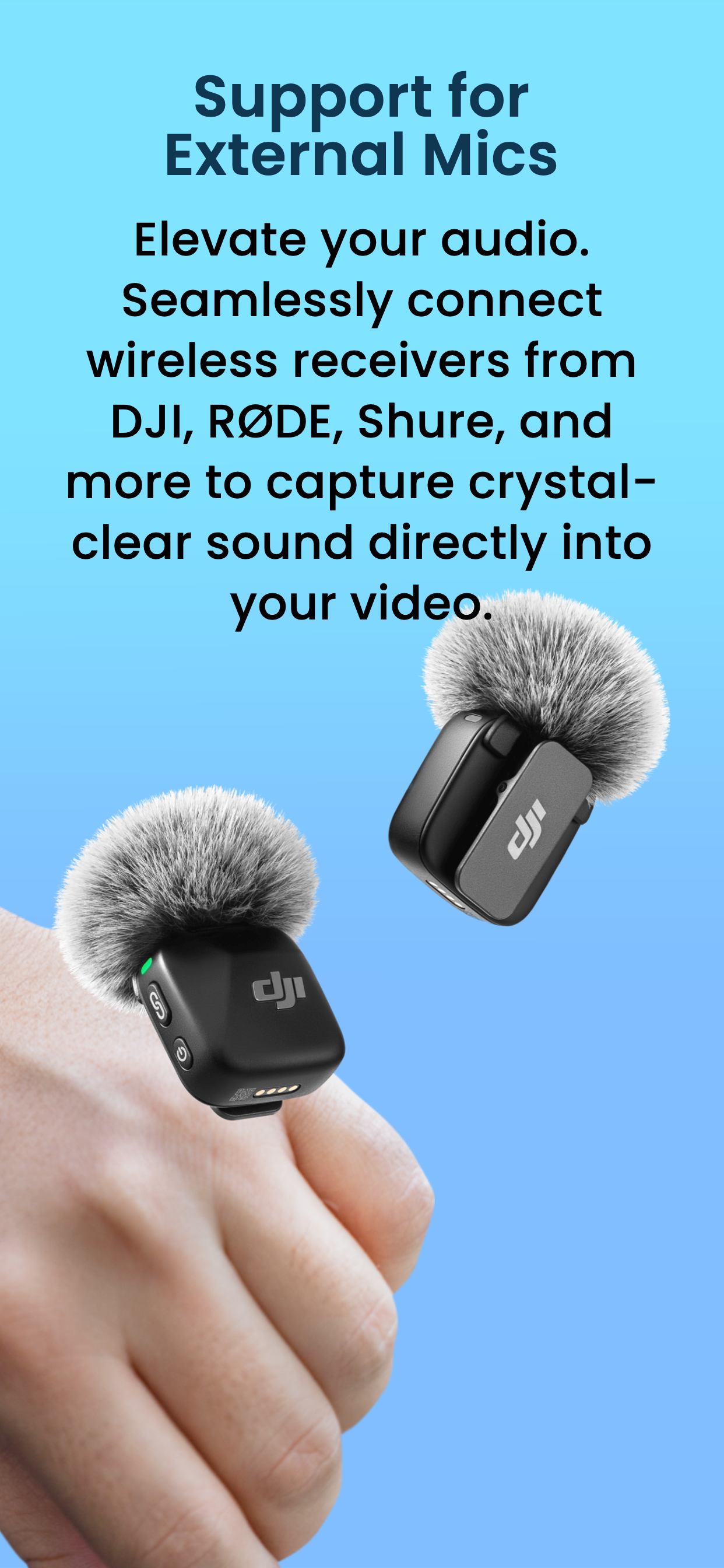
Connect your favourite microphone and get crystal-clear audio on every take. Plug and play.
Write your full script, talking points or just a checklist. Pull it up as an overlay on top of the camera feed, and read while you record. Keep eye contact with the camera — and nail it in one take.
Record all day, at your own pace. One project, many clips, one finished video.
Build your short-form content clip by clip. Export and upload directly.
Record your next YouTube hit in chunks over several days. Camlog keeps track of it all.
Record, pause and export for free. Upgrade to Pro for the full experience.
Camlog for Mac lets you create projects, write scripts and plan shot lists from your desktop. Everything syncs automatically via iCloud — so your project is ready on your iPhone when you hit record.
Cut, split and trim individual clips right in the app.
Launched in version 1.1Write scripts on your Mac. Sync automatically to your iPhone via iCloud.
Launched in version 1.1Save or share individual clips from a project.
Launched in version 1.1Export in smaller file sizes for faster sharing.
Camlog is coming soon to the App Store. Free to start — Pro when you're ready.
Coming soon to the App Store