Warp to GirafPingvin
Password Remember

Password Remember

A password manager for the rest of us.

Simple. Secure. Private. Free for up to 3 logins.

Download on the App Store Free — no credit card required
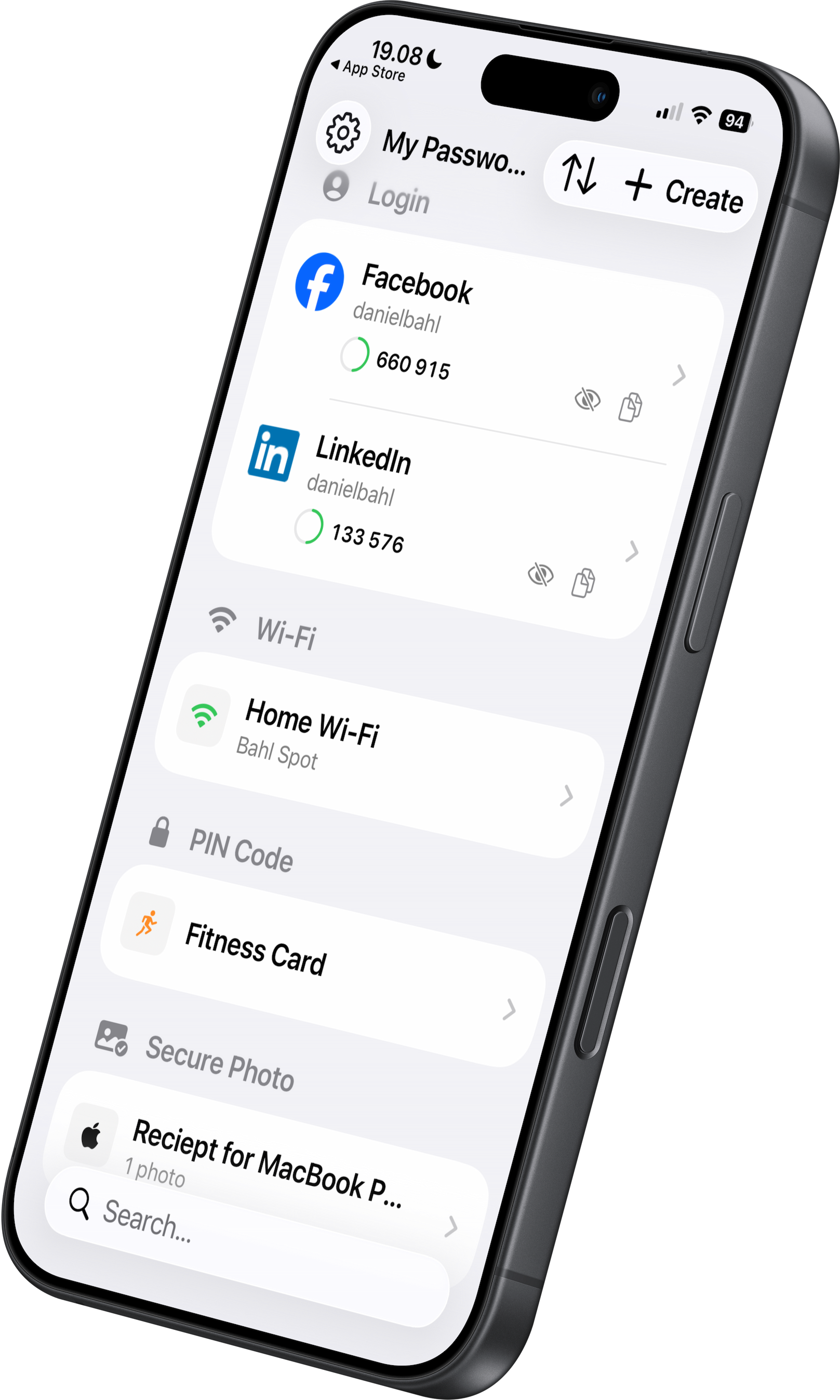
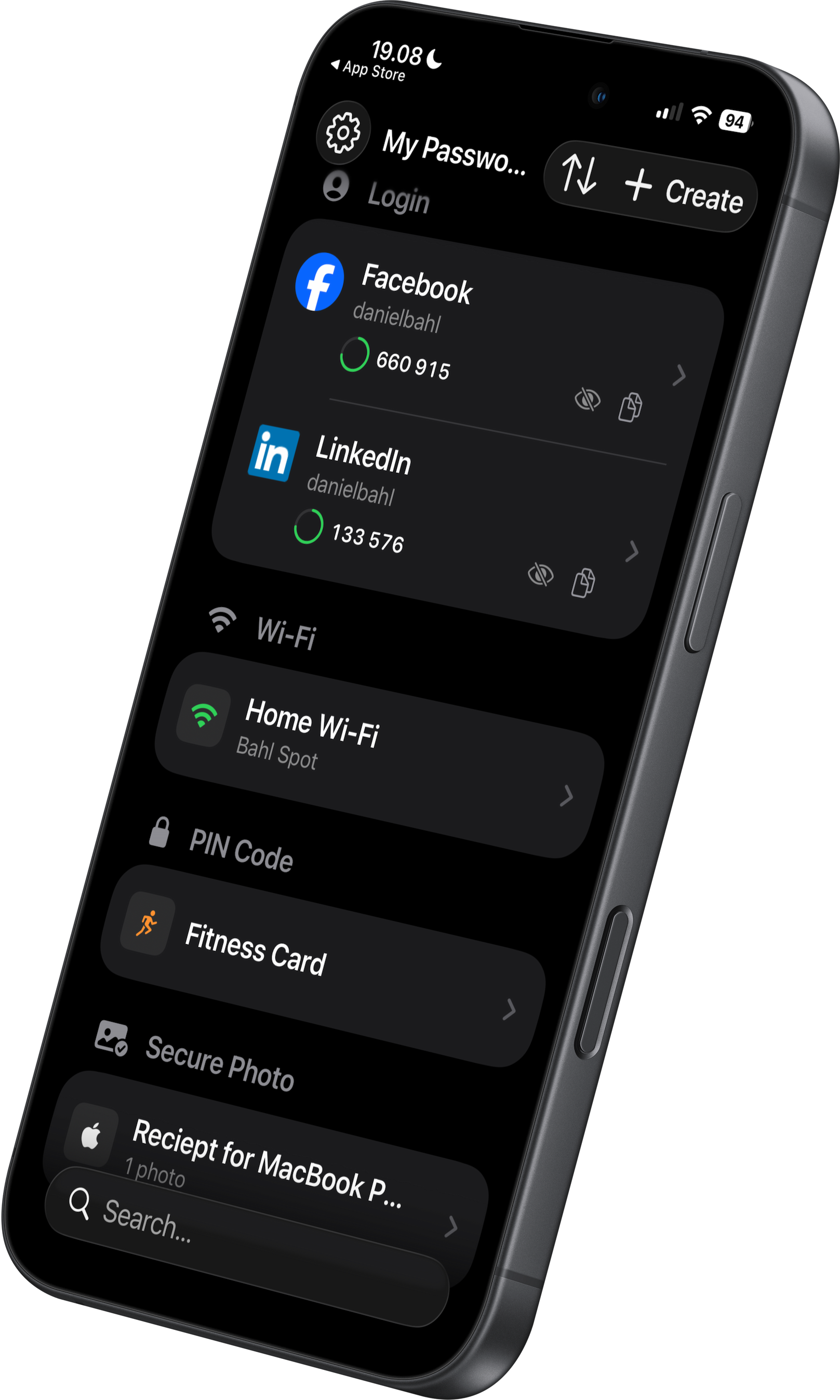
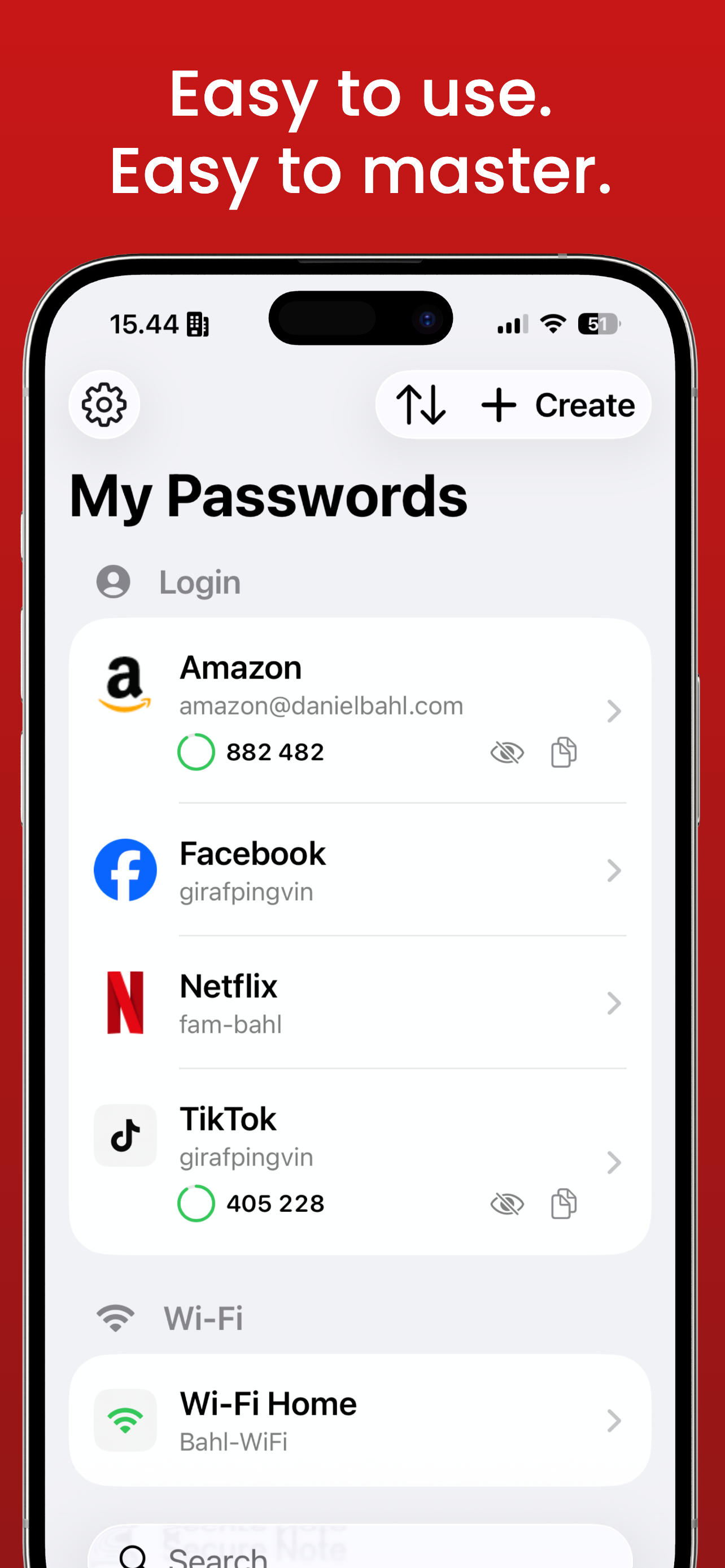
Password Remember screenshot Password Remember screenshot
🔐

AES-256 Encryption

Bank-level security protects all your data. End-to-end encrypted.

👤

Face ID / Touch ID

Unlock with your face or fingerprint. No complex master passwords.

☁️

Private iCloud Sync

Your data syncs to your own private iCloud. We never see your data.

Why this app?

Most password managers are built for power users.
Password Remember is built for everyone else.

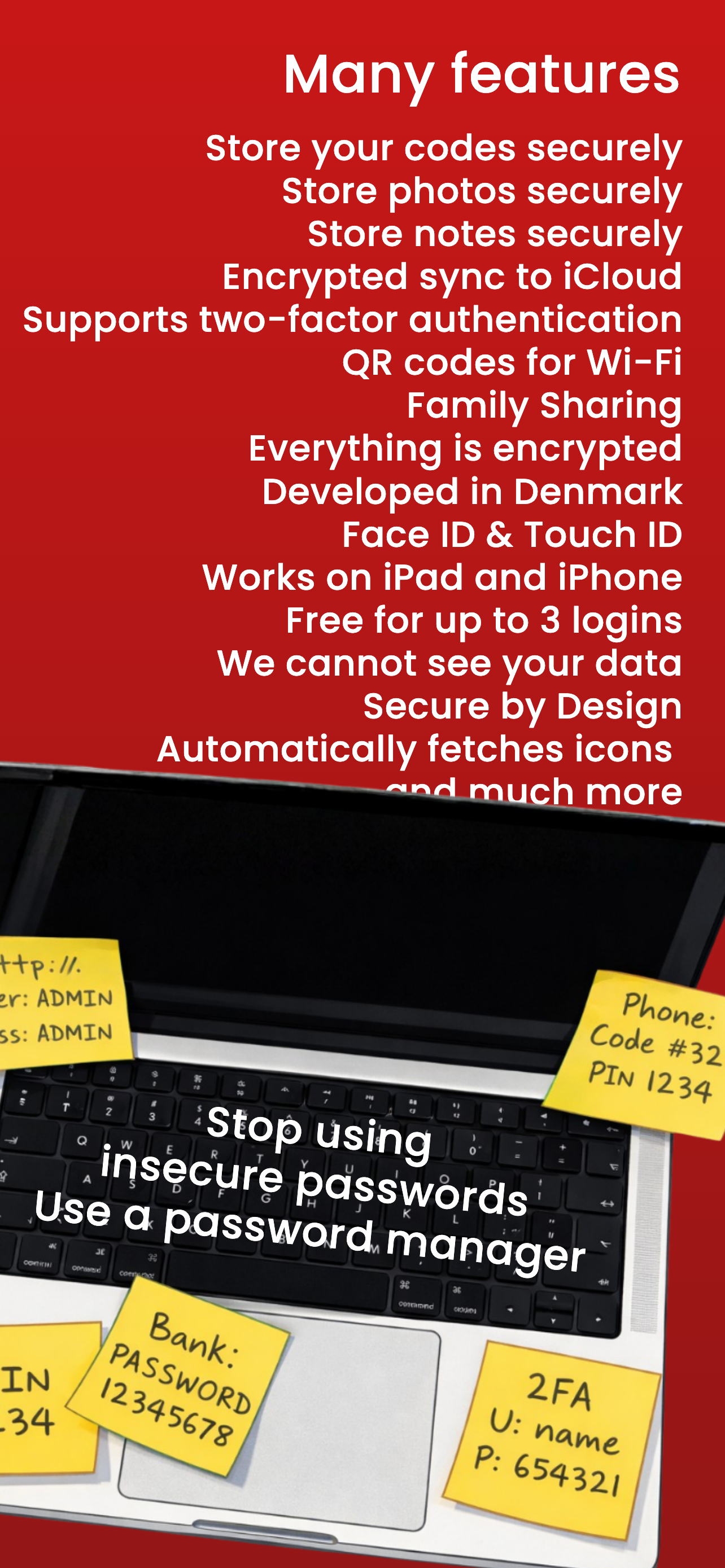
No complicated browser extensions. No overwhelming dashboards. No endless settings. Just your passwords, PIN codes, notes and photos — encrypted and protected.

How it works

Three steps. That's it.

1
📱

Open the app

Nothing to configure. No account creation. Just open it and go.

2
🔓

Unlock with Face ID

Face ID, Touch ID, or PIN code. Your choice. Always fast, always secure.

3

Find what you need

Search, copy, done. Your passwords are always at your fingertips.
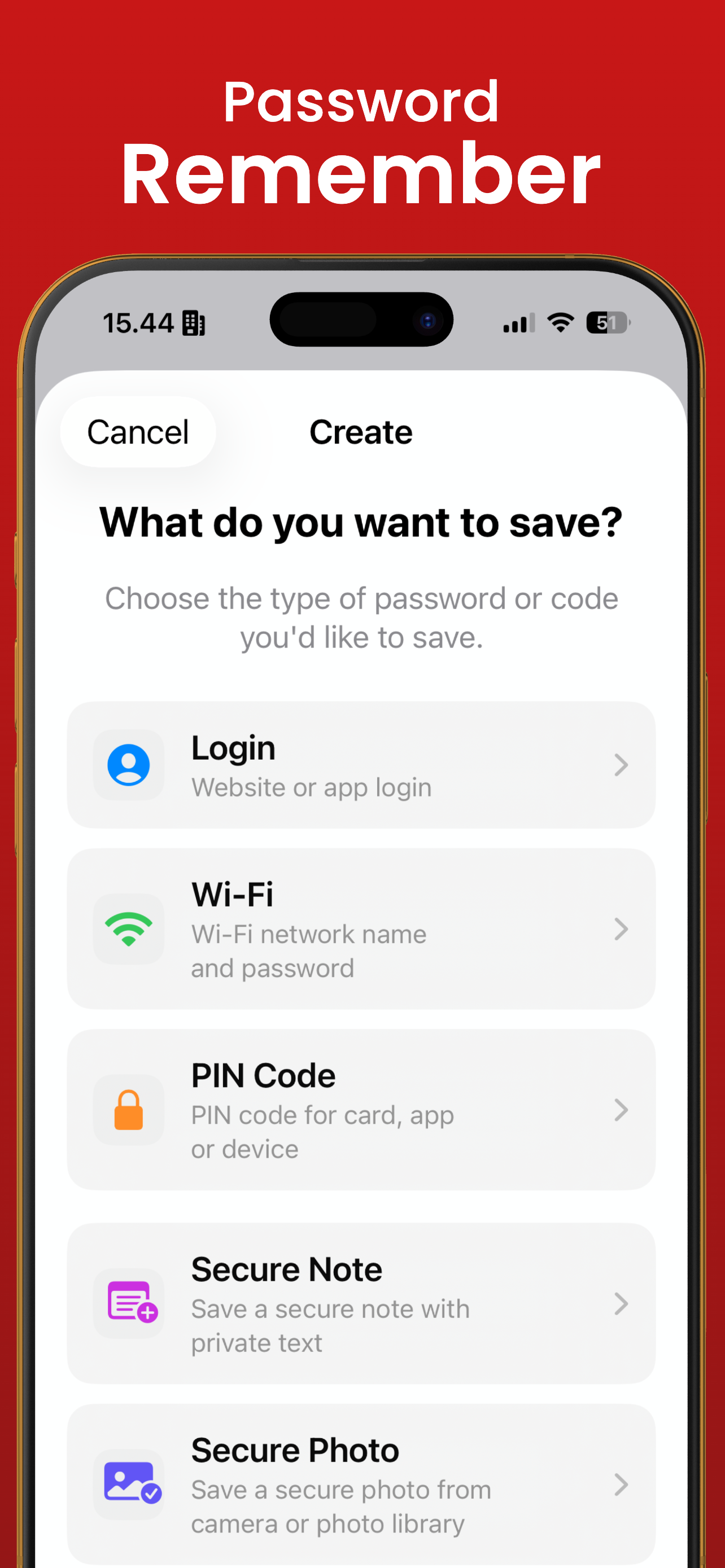
See for yourself

Designed to love

Screenshot 1
Screenshot 2
Screenshot 3
Screenshot 4
Screenshot 5
Screenshot 6
What can you store?

Everything that matters. One secure place.

🔑

Passwords

All your logins — email, social media, banking, streaming, and everything in between.

🔢

PIN codes

Credit cards, alarms, bike locks, door codes — all in one place.

📝

Secure notes

License keys, recipes, secrets, lists — all encrypted and private.

📷

Secure photos

Receipts, ID cards, insurance papers, prescriptions — stored behind Face ID.

📶

Wi-Fi networks

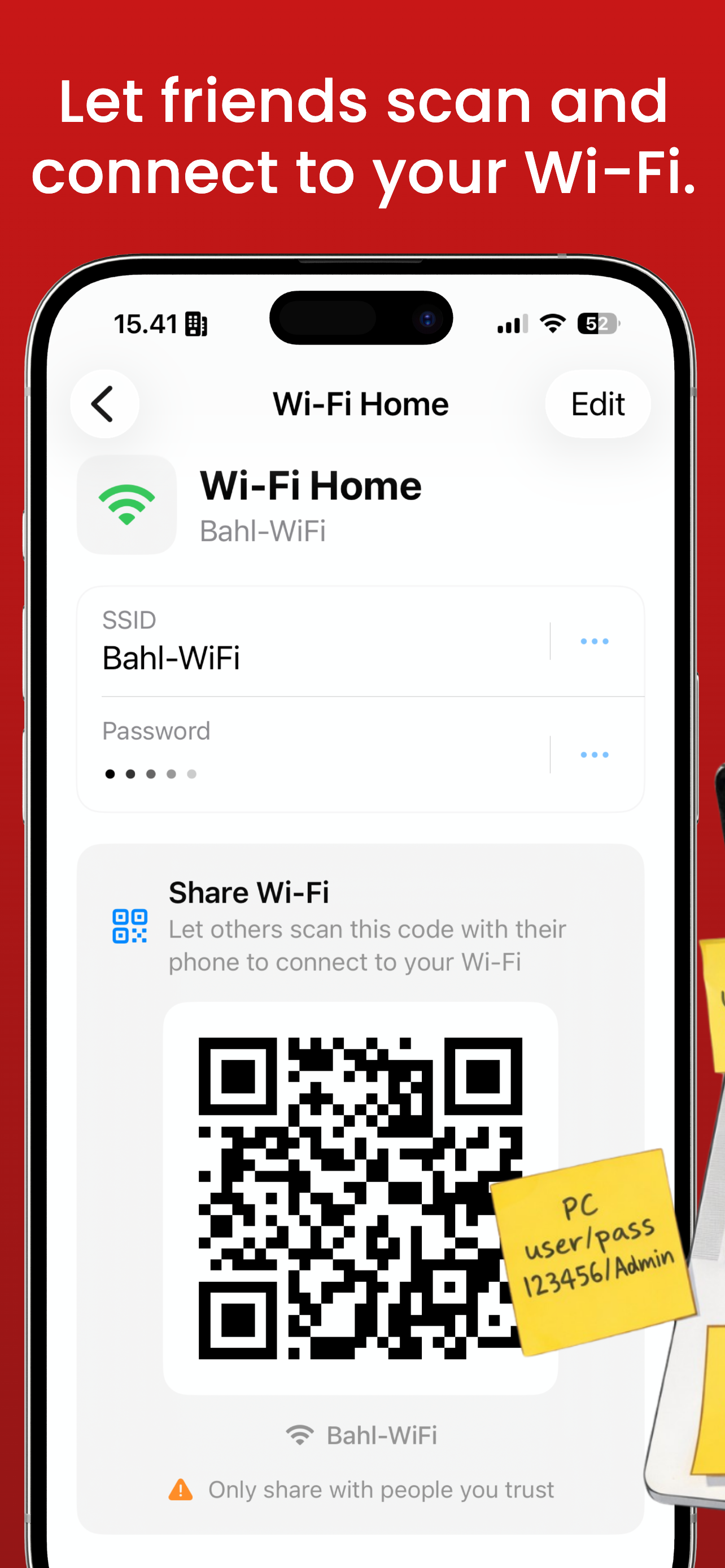
Save your Wi-Fi passwords and let guests scan a QR code right from your phone.

🛡️

2-factor codes

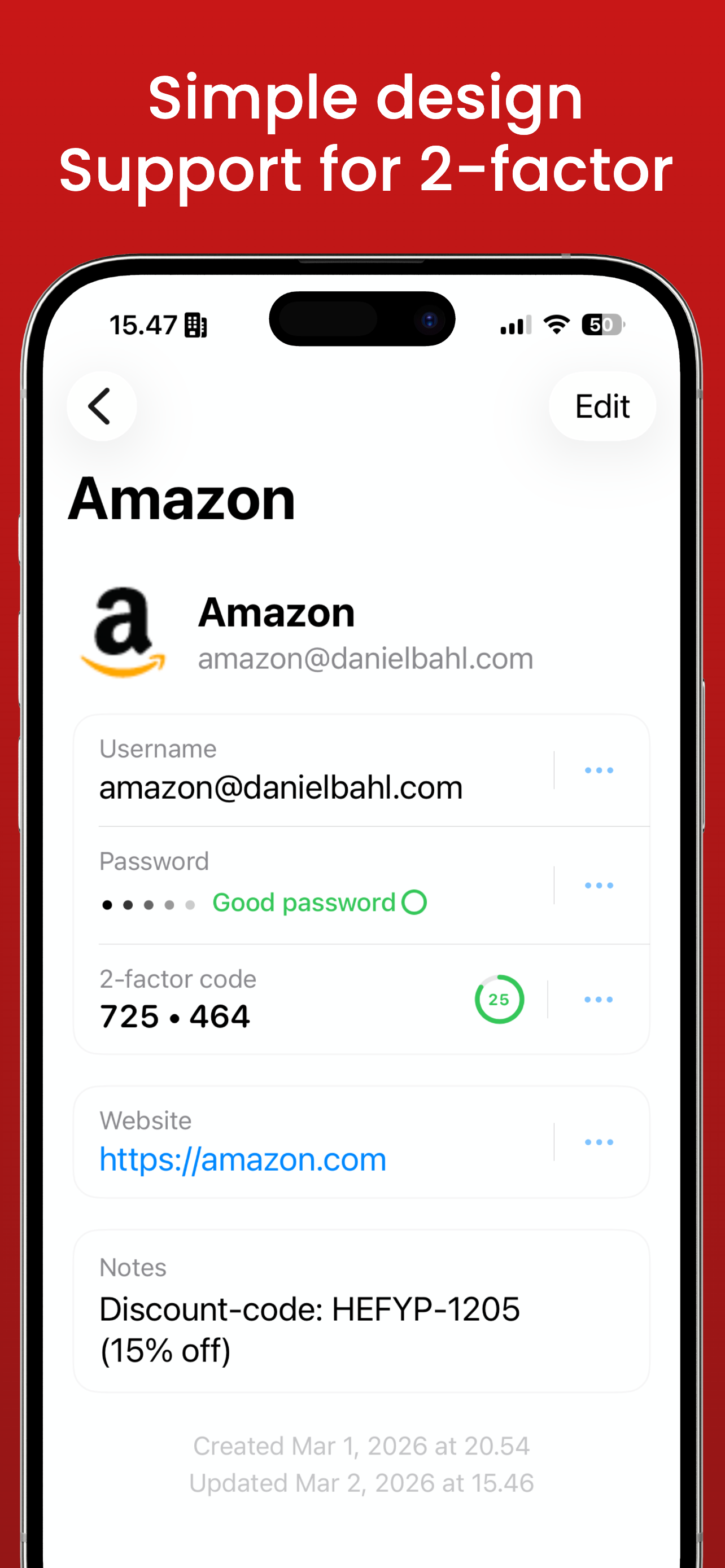
Built-in QR code scanner for 2FA/TOTP. Scan the code — done. No extra app.

Real security

Your data never leaves Apple's ecosystem.

  • AES-256 encryption — bank-level security
  • End-to-end encrypted iCloud backup
  • PIN hashed with SHA-256 + salt in Secure Enclave
  • Zero third-party tracking, zero analytics
  • Offline-first — works without internet
  • Built 100% natively in Swift 6 & SwiftUI
🛡️
What if your phone gets stolen?

Three layers of protection. Always.

🔒

Your device is locked

iOS requires your passcode or Face ID to get in.

🔐

The app is locked

Face ID / Touch ID again — separate from your phone lock.

🗝️

Your data is encrypted

Even with access to the device, no one can read your data.

Pricing

Free. Forever. Up to 3 logins.

Need more? Upgrade to Pro — for almost nothing.

Free

$0 forever
  • Up to 3 logins
  • Face ID / Touch ID
  • iCloud Sync
  • AES-256 kryptering
Download free

Pro Monthly

$0.99 /month
  • Unlimited passwords
  • Unlimited secure notes
  • Unlimited secure photos
  • 2FA / TOTP support
Choose Pro

Pro Lifetime

$39.99 one-time purchase
  • Everything — forever
  • All future updates
  • Family Sharing (up to 5)
  • Lifetime access
Buy Lifetime
🤓 For the nerds
Swift 6
SwiftUI
SwiftData
CloudKit
AES-256
SHA-256 + Salt
Secure Enclave
Face ID / Touch ID
Offline-first
Zero tracking
Zero web servers
E2E encrypted
📋 Changelog

Version 2.4.1 is on the way

A new update is ready for your Password Remember! Over 150+ new icons to choose from and support for PIN codes longer than 4 digits, for increased security.

2.4.1

Here are all the changes in this version:

  • Small adjustments to the User Interface
  • Over 150+ new icons in our icon picker
  • Minor bug fixes
  • App translated to Swedish, Norwegian, Korean and Spanish in addition to Danish and English
  • If you enter the wrong PIN code 4 times, the app locks for 5 minutes (does not apply to Face ID and Touch ID)
  • Option to choose a PIN code of 4, 5, 8 or 10 digits. If you have a 4-digit PIN and want a stronger one, you can reset it via Settings and choose a new PIN of 4, 5, 8 or 10 digits for better security.
  • The PIN code is used if your Face ID or Touch ID doesn't work, or if you get a new phone, to unlock your codebook the first time and activate new encryption with your Face ID or Touch ID on your new phone.
🤓

A little nerdy detail: 4-digit PIN codes only give 10,000 combinations, while 10 digits give 10 billion. Math loves long codes. Hackers don't. :P

Ready to take control of your passwords?

Download free. No account. No tracking. Just peace of mind.

Download on the App Store