
From Online Backend to Fully Offline: How I Embed an Updated Word Database in My Bedrager App for iOS and Android
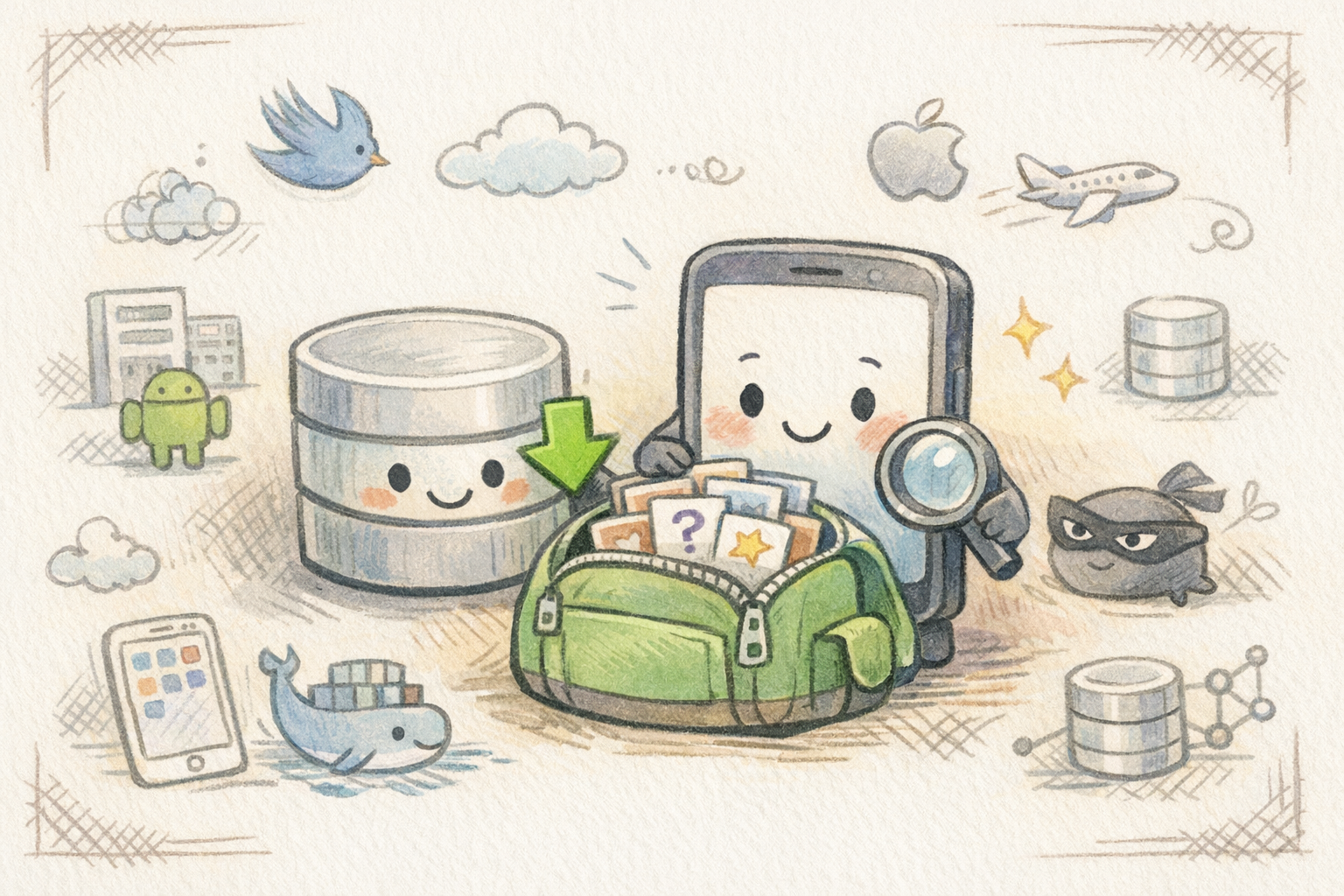
You probably know the feeling: you’re sitting on a train with a weak signal, or on a plane where internet is a distant memory—and that’s exactly when you feel like playing something fun with friends. That was the exact situation that made me rethink the architecture behind my new Android/iOS app Bedrager: a party game where players have to guess a secret word while impostors try to blend in without giving themselves away.
At first, I built a classic setup with an online backend for fetching new words. But the more I tested and thought about real-world use cases, the clearer one thing became: offline isn’t a “nice to have”—it’s a core feature for a party game.
What is Bedrager (in short)?
Bedrager is a social guessing game with a small twist:
- All players get a secret word
- ... but one player is the impostor and gets either a different word or a “hint”
- In the end, the group tries to figure out who is lying...
It sounds simple—but it’s incredibly fun!
The first version: Online backend for words (pros and cons)
I started with a model where the app contacted a backend when a game started and fetched words and questions.
Pros
- Easy to update content without releasing a new version
- Centralized control of word lists, categories, languages, etc.
- The option for A/B tests and dynamic events (for example, “summer pack” or “holiday pack”)
Cons
- The app depends on internet:
no connection = no fun - Poor experience with spotty signal (trains, festivals, basements…)
- Higher complexity around caching, sync errors, and “what if we’re in the middle of a game?”
Tip: Party games are often played exactly where internet is unreliable. Offline isn’t just a technical choice—it’s part of the user experience.
The shift: Fully offline—but still with updated content
I wanted two things at the same time:
- Full offline support (all content stored locally)
- A way to make sure every build still includes the latest words and questions
So instead, I built:
- A backend where I can manage words and content.
- A small macOS Swift app that runs at build time, fetches data, builds an offline database, and embeds it in the app
The result: every time I hit “build” in Xcode or Android Studio, I end up with an app that already contains the latest content — and is ready to play, even without internet 🦖
The architecture: Backend → Build step → Embedded offline database
The overall pipeline looks like this:
- I update content in the backend (words, categories, questions, hints, etc.)
- A macOS build helper fetches data from the backend via API
- It builds an offline database (SQLite) based on the API data.
- The app reads everything locally — no internet required to play
Why a macOS Swift app?
Because it fit my setup really well:
- I already build in Xcode on macOS (and in Android Studio on macOS)
- Swift is great for small tools using
URLSession, file handling, and database generation - It can be integrated as a build step, so it doesn’t get forgotten 🤪
Features
- Instant game start: No waiting for the network
- Play anywhere: Planes, metro, summer house, abroad without roaming, etc.
- Predictable experience: The same data for all players in the same build
Drawbacks / trade-offs
- Larger app bundle (word data takes up some space)
- Content updates require a new build
- More build complexity: generator, validation, integration in iOS/Android
- Risk of “stale content” if I get lazy about making new builds 🤪
Practical example: Fetch data from the backend and build a local JSON/DB
Here’s a simplified example of how a Swift build helper can fetch words from a backend and write them to a file that can later be converted into SQLite.
Swift: Download and write to file
import Foundation

struct WordItem: Codable {
    let id: String
    let category: String
    let word: String
}

func fetchWords(apiURL: URL, outputURL: URL) async throws {
    var request = URLRequest(url: apiURL)
    request.httpMethod = "GET"
    request.setValue("application/json", forHTTPHeaderField: "Accept")

    let (data, response) = try await URLSession.shared.data(for: request)

    guard let http = response as? HTTPURLResponse, http.statusCode == 200 else {
        throw NSError(domain: "BuildTool", code: 1, userInfo: [NSLocalizedDescriptionKey: "Bad response"])
    }

    let words = try JSONDecoder().decode([WordItem].self, from: data)

    // Skriv prettified JSON for nem debugging (kan senere importeres til SQLite)
    let encoded = try JSONEncoder().encode(words)
    try encoded.write(to: outputURL, options: [.atomic])
}
Example: Build step in Xcode with a script
If your build helper is a CLI (or you can make a small wrapper), you can call it in a Run Script Phase:
"${SRCROOT}/Tools/BedragerContentBuilder" \
  --api "https://v1.api.local/words" \
  --out "${SRCROOT}/App/Resources/offline.db"
Conclusion: Offline-first was the right decision for Bedrager
Moving from “online content” to a setup where a macOS Swift build app generates and embeds an offline database has been a huge improvement for Bedrager. The game feels more stable, more instant, and—most importantly—it works where party games are actually played.
Yes, there are a few extra moving parts in the build process. But when it means you can start a game on a train with poor reception and still have the latest fun included in the app, it’s hard to argue against it.
/db over-n-out